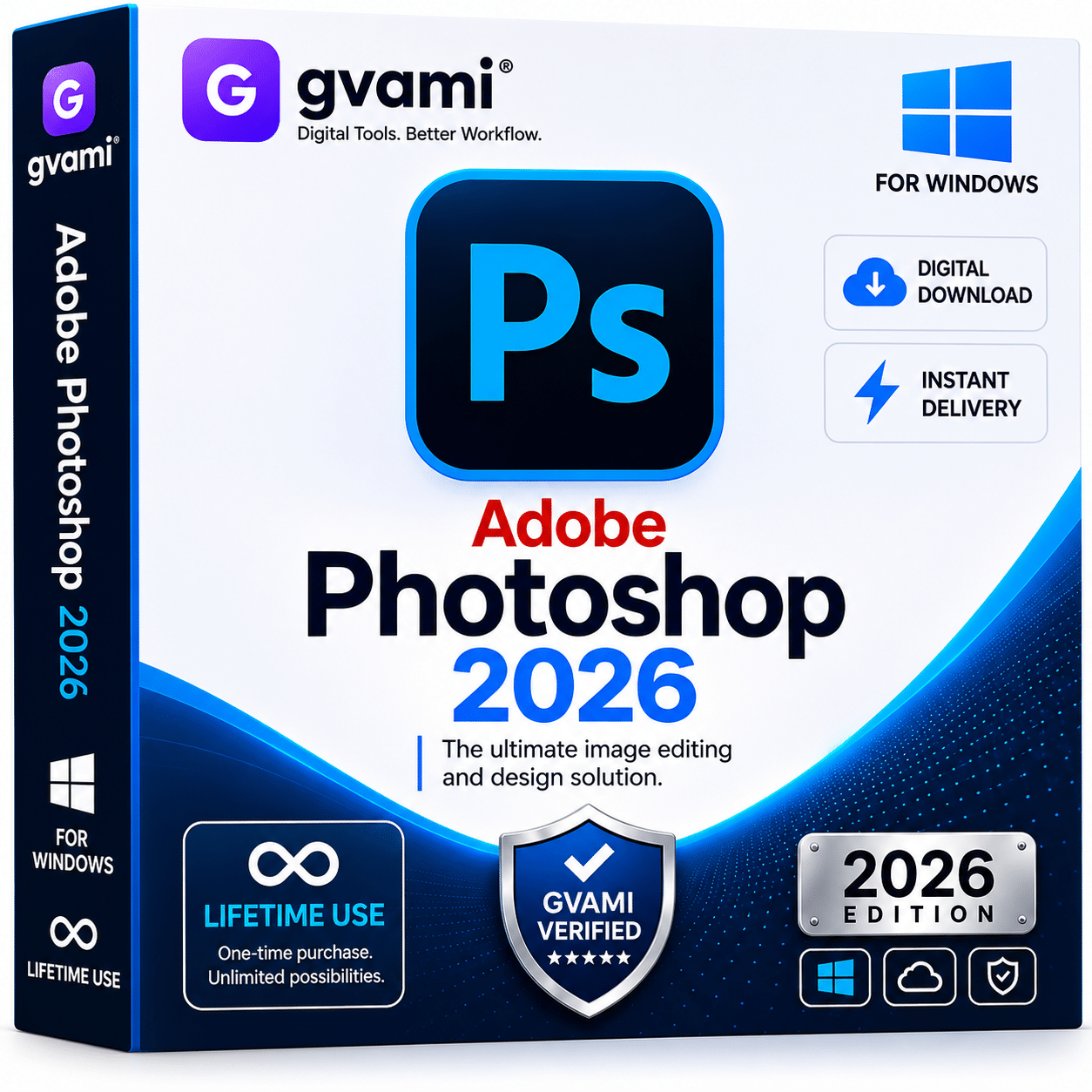
Adobe Photoshop 2026 Lifetime License for Windows
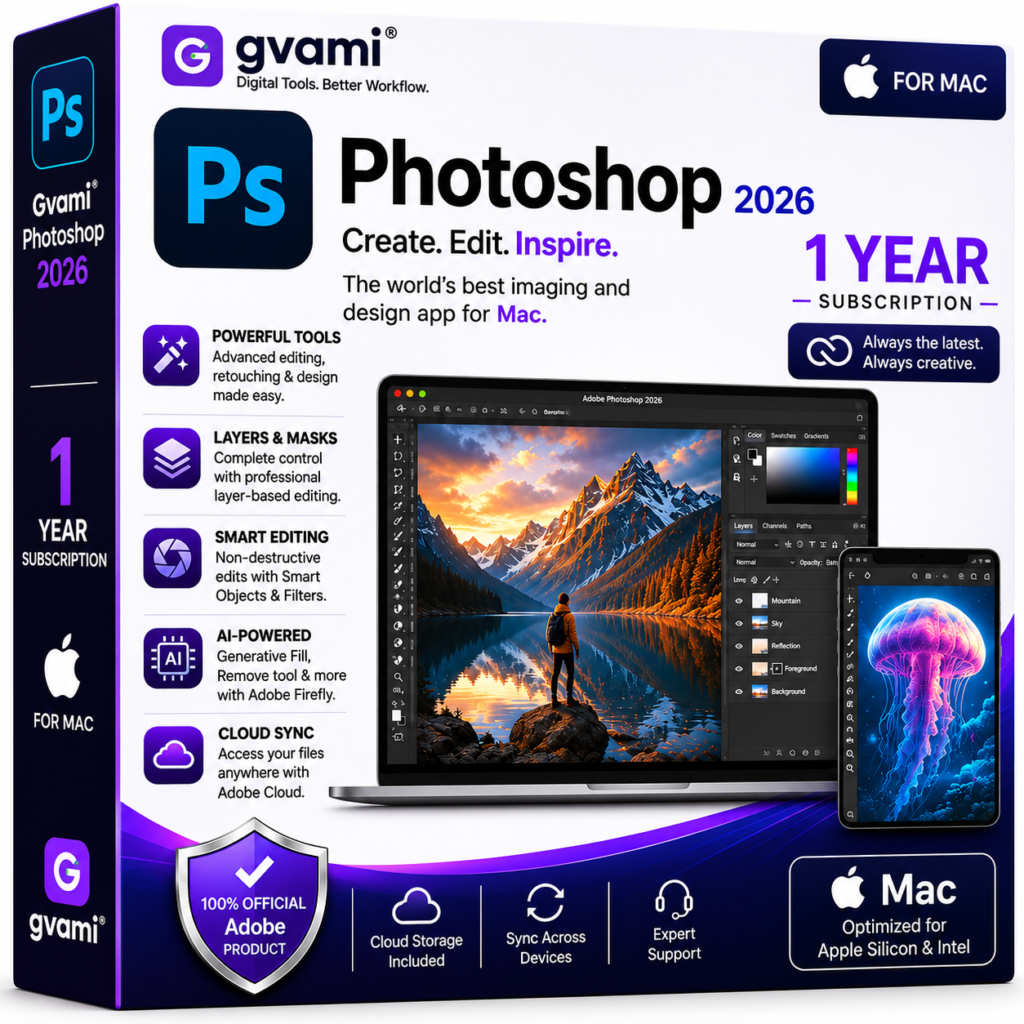
Adobe Photoshop 2026 for Windows is a professional image editing, photo retouching, and graphic design application built for photographers, designers, digital artists, content creators, and businesses.
From enhancing photographs and creating digital artwork to designing advertising materials and professional marketing graphics, Photoshop provides a versatile creative workspace with advanced editing tools and precise control over every detail.
Whether you’re preparing product images for an online store, developing social media content, restoring photographs, or working on complex design projects, Adobe Photoshop helps transform creative ideas into polished visual results.
Key Features of Adobe Photoshop 2026
- Professional Photo Editing: Enhance colors, adjust lighting, improve sharpness, and refine photographs with precision.
- Advanced Retouching: Remove imperfections, restore images, and create professional portrait edits.
- AI-Powered Editing Tools: Simplify supported editing tasks using intelligent selections, generative tools, and automated enhancements.
- Layer-Based Editing: Combine images, text, effects, and adjustments while maintaining creative flexibility.
- Object Removal: Remove distracting elements and unwanted objects using advanced editing tools.
- Smart Selections and Masking: Isolate subjects, modify backgrounds, and create detailed compositions.
- RAW Image Processing: Work with supported camera RAW files using Adobe Camera Raw.
- Graphic Design Tools: Create banners, posters, advertisements, product graphics, and digital artwork.
- Professional Typography: Combine text, shapes, and visual elements for creative layouts.
- High-Resolution Editing: Work on detailed images and complex design projects.
Professional Photo Editing and Retouching
Adobe Photoshop provides a comprehensive set of tools for improving image quality and creating professional visual content.
Adjust exposure, contrast, highlights, shadows, color balance, and sharpness while maintaining control over your editing workflow.
Advanced retouching tools allow photographers and designers to remove imperfections, refine portraits, restore older photographs, and enhance product images.
With adjustment layers and non-destructive editing techniques, you can experiment with different looks without permanently modifying your original image.
Advanced Editing Capabilities
- Portrait and skin retouching
- Color correction and color grading
- Background removal and replacement
- Image restoration and enhancement
- Object removal and image cleanup
- Lighting and exposure adjustments
- Image compositing and manipulation
- Creative filters and visual effects
These features make Photoshop suitable for both everyday photo editing and demanding professional projects.
AI-Powered Creative Tools
Adobe Photoshop includes intelligent editing capabilities designed to accelerate creative workflows and reduce repetitive tasks.
Supported AI-assisted features can help identify subjects, refine selections, remove unwanted objects, and generate or modify image content.
Tools such as Generative Fill and Generative Expand may be available depending on the installed version, Adobe account, subscription eligibility, and applicable generative-credit requirements.
AI-assisted editing can be particularly useful when preparing marketing visuals, creating digital compositions, or working with complex backgrounds.
Layer-Based Editing and Smart Objects
One of Photoshop’s most powerful capabilities is its flexible layer-based editing system.
Layers allow you to organize different parts of a design independently, making it easier to modify images, text, colors, and effects.
Smart Objects provide additional flexibility by allowing supported transformations and adjustments while preserving source content.
Creative Workflow Benefits
- Organize complex designs using multiple layers.
- Apply adjustment layers for non-destructive editing.
- Combine photographs and graphical elements.
- Use layer masks for precise compositions.
- Create reusable design elements with Smart Objects.
- Apply blending modes and professional visual effects.
These tools provide greater creative control when working on detailed compositions and commercial design projects.
Graphic Design and Digital Content Creation
Adobe Photoshop is more than a photo editing application. It also offers a versatile environment for creating professional graphics and digital content.
Design promotional materials, social media posts, website banners, advertisements, and product presentations using advanced typography, image editing, and composition tools.
Popular Creative Projects
Social Media Graphics
Create visually engaging content for Instagram, Facebook, YouTube, and other digital platforms.
E-commerce Product Images
Prepare product photography, remove backgrounds, enhance details, and create promotional graphics for online stores.
Advertising and Marketing
Design banners, promotional visuals, digital advertisements, and branded marketing materials.
Digital Artwork
Create illustrations, artistic compositions, photo manipulations, and original digital designs.
Website Graphics
Develop website banners, visual assets, backgrounds, and promotional elements for digital projects.
Camera RAW Editing and Image Enhancement
Adobe Photoshop integrates with Adobe Camera Raw to provide advanced editing capabilities for supported RAW image formats.
Photographers can refine exposure, adjust white balance, recover details, improve color accuracy, and enhance overall image quality.
RAW processing offers greater flexibility when editing professional photographs, particularly when working with challenging lighting conditions or high-resolution images.
Precision Selection and Masking Tools
Creating accurate selections is essential for professional photo editing and graphic design.
Photoshop provides selection tools that help isolate objects, refine edges, remove backgrounds, and combine different images into a single composition.
Advanced masking capabilities allow users to make targeted adjustments while preserving other areas of an image.
These tools are particularly valuable for product photography, portrait retouching, advertising design, and creative image manipulation.
Who Is Adobe Photoshop 2026 For?
Adobe Photoshop is suitable for a wide range of creative professionals and everyday users.
- Photographers: Enhance photographs, retouch portraits, and process RAW images.
- Graphic Designers: Create professional layouts, advertisements, and digital graphics.
- Digital Artists: Develop illustrations, compositions, and creative artwork.
- E-commerce Businesses: Prepare product images, banners, and promotional visuals.
- Marketing Professionals: Design campaign graphics and branded content.
- Content Creators: Produce thumbnails, social media graphics, and visual content.
- Students and Educators: Learn professional image editing and digital design techniques.
- Small Businesses: Create marketing materials and visual assets.
Windows Compatibility and System Requirements
Adobe Photoshop is designed for compatible Windows computers.
Operating System: A supported 64-bit version of Windows
Processor: Compatible 64-bit Intel or AMD processor
Memory: 8 GB RAM minimum for many Photoshop workflows; 16 GB or more recommended for demanding projects
Storage: Sufficient free SSD storage for installation, temporary files, and creative projects
Graphics: Compatible GPU recommended for accelerated editing features
Internet Connection: May be required for installation, activation, updates, and online services
Actual requirements depend on the installed Photoshop release and enabled features. Review Adobe’s official specifications before purchasing.
Product Information
| Specification |
Details |
| Product |
Adobe Photoshop |
| Advertised Version |
2026 |
| Platform |
Windows |
| License Offer |
Lifetime License |
| Product Type |
Digital Software |
| Delivery Method |
Digital Delivery |
| Primary Uses |
Photo Editing, Graphic Design, Digital Art |
| Software Publisher |
Adobe |
License Notice: The lifetime-license designation reflects the advertised product offer. The exact activation method, license duration, account requirements, available updates, and access to Adobe online or AI services must be confirmed with the seller before purchase.
Frequently Asked Questions
What is Adobe Photoshop 2026?
Adobe Photoshop is professional software for image editing, graphic design, photo retouching, digital artwork, and visual content creation.
Can I use Photoshop for professional photography?
Yes. Photoshop provides advanced tools for retouching, color correction, image enhancement, RAW processing, and professional photo manipulation.
Can I create social media and marketing graphics?
Yes. Photoshop is widely used to create advertising banners, promotional graphics, social media posts, and digital marketing materials.
Does Photoshop support background removal?
Yes. Photoshop provides selection, masking, and object removal tools that help users isolate subjects and replace backgrounds.
Can I edit RAW photographs?
Yes. Adobe Camera Raw supports a wide range of compatible camera RAW formats.
Is Photoshop suitable for beginners?
Yes. Beginners can use basic editing and design tools, while experienced professionals can take advantage of advanced features and complex workflows.
Does Photoshop include AI-powered tools?
Photoshop offers AI-assisted editing features, but availability depends on the software version, account eligibility, and Adobe’s service requirements.
Is Adobe Photoshop compatible with Windows?
Yes. Photoshop supports compatible Windows computers that meet the applicable system requirements.
Does the lifetime license include future versions?
The advertised lifetime-license offer does not automatically establish entitlement to future major releases. Upgrade rights and update availability depend on the applicable license terms.
Bring Your Creative Ideas to Life
Adobe Photoshop 2026 for Windows provides a versatile collection of professional tools for photo editing, image enhancement, digital artwork, and graphic design.
With powerful layer-based editing, precise selection tools, advanced retouching capabilities, and flexible creative workflows, Photoshop helps photographers, designers, and businesses produce high-quality visual content.
Explore Adobe Photoshop and discover new possibilities for your photography, design, and digital creativity.












Reviews
Clear filtersThere are no reviews yet.