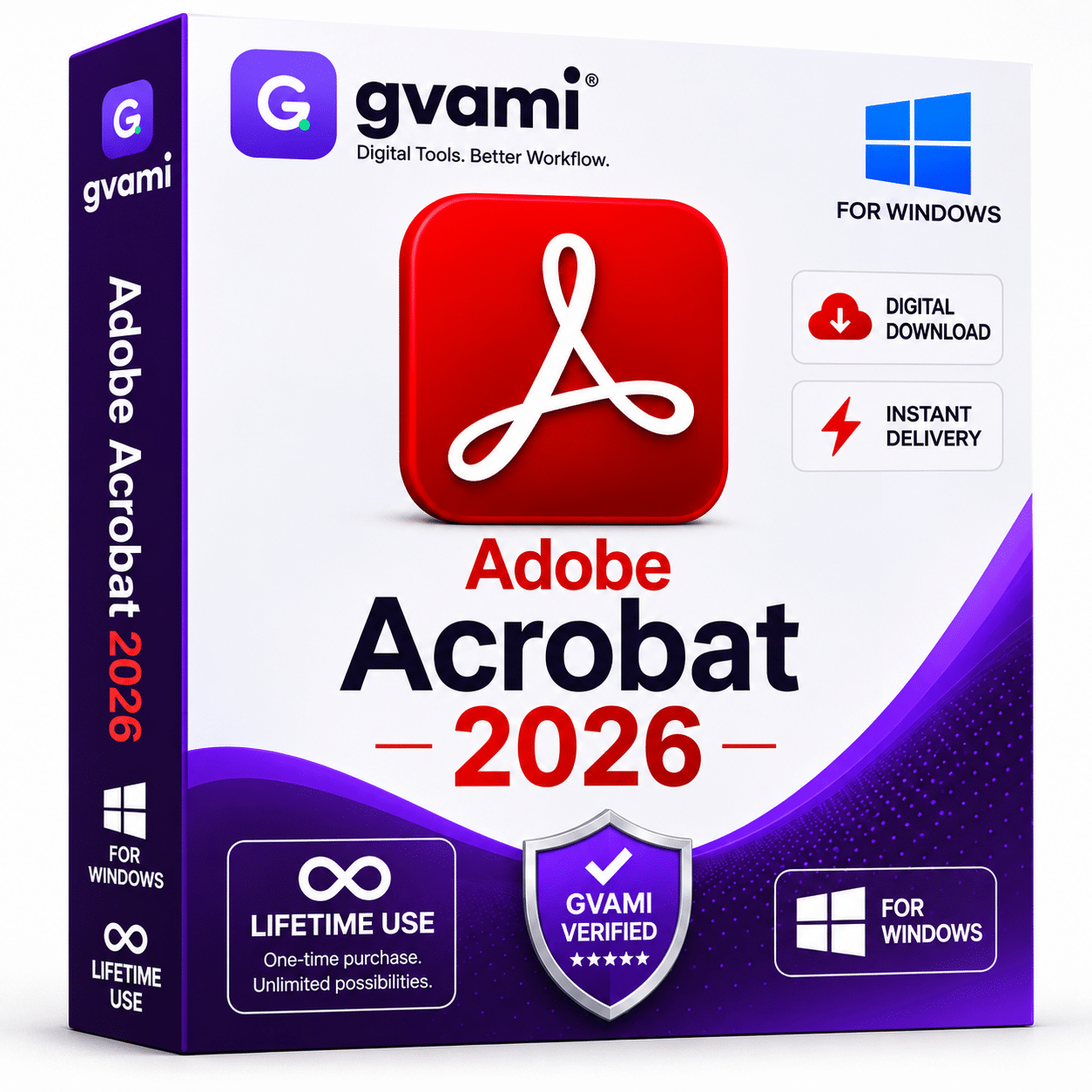
Adobe Acrobat Pro 2026 Lifetime License for Windows
Manage your PDF documents with greater flexibility using Adobe Acrobat Pro 2026 for Windows. Designed for professionals, businesses, students, and individuals, Adobe Acrobat Pro provides a comprehensive collection of tools for creating, editing, converting, organizing, and protecting PDF files.
From updating business contracts and preparing reports to converting documents and collecting electronic signatures, Acrobat Pro helps simplify everyday document tasks through an intuitive interface and advanced PDF management capabilities.
Whether you’re working from home, studying, or managing business documents, Adobe Acrobat Pro offers the tools you need to maintain an organized and productive workflow.
Key Features of Adobe Acrobat Pro 2026
- Advanced PDF Editing: Modify text, replace images, adjust formatting, and update existing PDF documents.
- PDF Conversion: Export PDF files to Microsoft Word, Excel, PowerPoint, and other supported formats.
- Document Creation: Create professional PDF files from various document formats.
- Merge and Organize: Combine multiple PDFs, split documents, rearrange pages, and remove unnecessary content.
- Electronic Signatures: Sign PDF documents electronically and access supported signature workflows.
- Document Security: Protect sensitive files with passwords, permission restrictions, and security controls.
- PDF Compression: Reduce document file sizes for easier storage and sharing.
- OCR Technology: Convert supported scanned documents into searchable and editable text.
- Annotations and Comments: Highlight information, insert comments, and review documents efficiently.
- Professional Forms: Create, complete, and manage interactive PDF forms.
Professional PDF Editing and Document Management
Adobe Acrobat Pro gives users greater control over their PDF documents. Instead of recreating an entire document to make small changes, you can edit existing text, update images, adjust page layouts, and reorganize content directly within supported PDF files.
Its document management tools also make it easier to combine reports, organize business records, prepare presentations, and maintain digital archives.
These capabilities are particularly valuable for professionals who frequently handle invoices, agreements, proposals, educational materials, and administrative paperwork.
Convert PDFs Without Complicated Workflows
Converting PDF documents into editable file formats is an essential part of many professional workflows.
Adobe Acrobat Pro supports exporting PDFs into widely used Microsoft Office formats, including Word, Excel, and PowerPoint.
The conversion tools are designed to preserve document structure and formatting where possible, helping reduce the time required for manual adjustments.
Users can also create PDF documents from supported file types, making it easier to prepare files for sharing, printing, or long-term storage.
Secure Your Important Documents
Protecting confidential information is an important part of professional document management.
Adobe Acrobat Pro includes document security features that allow users to apply password protection, manage editing permissions, and control certain document actions.
These tools are useful when working with financial documents, business agreements, customer records, and other sensitive information.
Additional document protection capabilities can help organizations maintain more controlled PDF workflows.
Electronic Signatures and Collaboration
Adobe Acrobat Pro makes document review and approval more convenient through electronic signing and collaboration features.
Users can add signatures, complete PDF forms, and review documents using comments, highlights, and annotations.
Supported online signature and collaboration services may require an Adobe account or an eligible subscription.
These features help individuals and teams reduce paperwork and manage document-related tasks more efficiently.
Optical Character Recognition (OCR)
Working with scanned documents becomes easier with Acrobat Pro’s optical character recognition technology.
OCR can identify text within supported scanned files and convert it into searchable or editable content.
This functionality is especially useful for digitizing printed documents, maintaining searchable archives, and recovering information from older paperwork.
Who Is Adobe Acrobat Pro For?
Adobe Acrobat Pro is suitable for a wide range of users, including:
- Business Professionals: Prepare contracts, invoices, reports, and proposals.
- Students and Educators: Organize study materials, annotate PDFs, and manage assignments.
- Accountants and Consultants: Work with financial documents and client records.
- Legal Professionals: Review agreements, organize case documents, and manage PDF forms.
- Remote Workers: Share, review, and manage digital documents.
- Everyday Users: Edit, convert, combine, and protect personal PDF files.
Compatibility and System Requirements
Platform: Windows
Software: Adobe Acrobat Pro
Product Version: 2026 (as advertised)
License Type: Lifetime license (seller-advertised; terms require verification)
Delivery Method: Digital delivery
Internet Connection: May be required for downloading, activation, and online features.
Specific Windows compatibility, hardware requirements, and activation conditions should be confirmed before purchasing.
Frequently Asked Questions
What can I do with Adobe Acrobat Pro?
Adobe Acrobat Pro provides tools for editing, converting, creating, organizing, signing, and securing PDF documents.
Can I edit text and images inside a PDF?
Yes. Acrobat Pro supports editing text, replacing images, and modifying content within supported PDF documents.
Can I convert PDF documents to Microsoft Office formats?
Yes. Supported conversion options include Microsoft Word, Excel, and PowerPoint.
Does Adobe Acrobat Pro support scanned documents?
Yes. Its OCR capabilities can make supported scanned documents searchable and editable.
Can I protect PDF documents with passwords?
Yes. Acrobat Pro includes password protection and document permission settings.
Is Adobe Acrobat Pro suitable for business use?
Yes. Its PDF editing, document organization, conversion, and security features are useful for many business workflows.
Is an internet connection required?
An internet connection may be necessary for software installation, activation, account verification, and certain online services.
Is this a lifetime license?
This product is advertised as a lifetime license. The exact duration, activation method, updates, and access to subscription-based features depend on the license terms supplied with the product.
A Complete PDF Management Solution
Adobe Acrobat Pro for Windows brings essential PDF management tools into one professional application.
With capabilities covering document editing, file conversion, OCR, electronic signatures, and PDF security, it helps users manage digital documents more efficiently.
Explore Adobe Acrobat Pro and simplify the way you create, organize, and work with PDF files.










Reviews
Clear filtersThere are no reviews yet.