






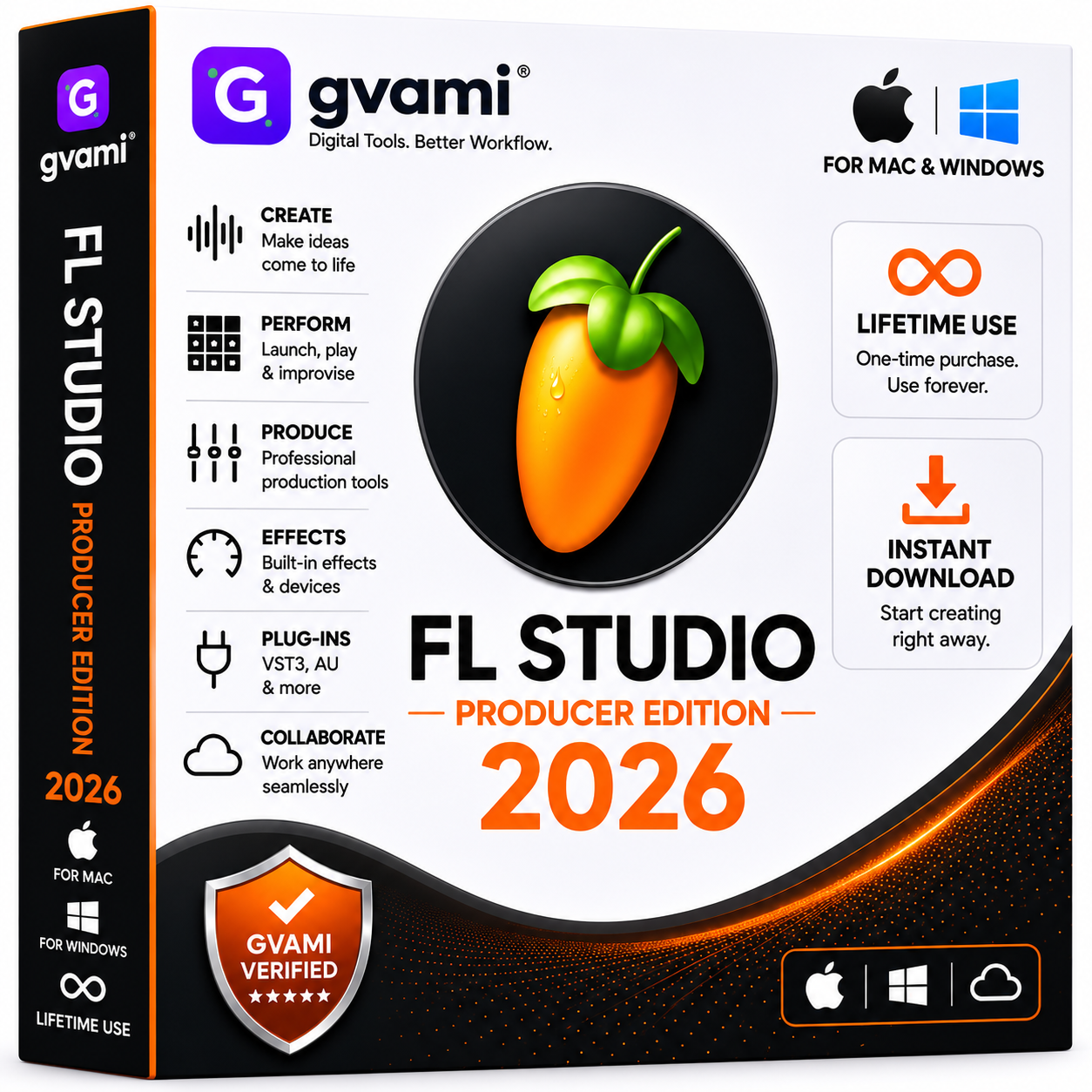
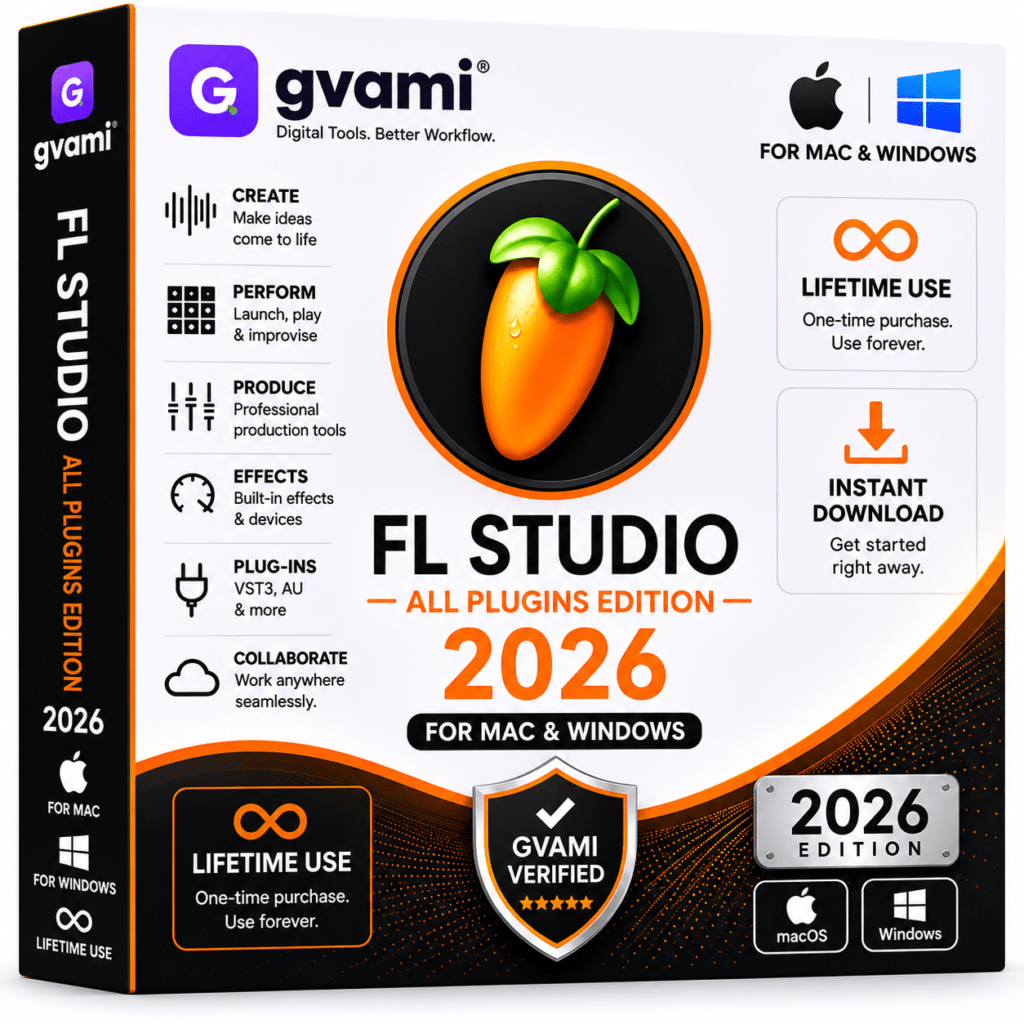
FL Studio Producer Edition 2026 Lifetime License for Windows & Mac
$119.99
- Secure, encrypted checkout
- Key and download link sent by email
- Read our refund policy

From checkout to activated in three steps
Place your order
Pick the edition that fits your device and pay through our secure checkout.
Check your inbox
Your licence key, download link and setup guide arrive by email.
Install and activate
Follow the guide step by step, and write to us if anything gets stuck.
FL Studio Producer Edition 2026 Lifetime License for Windows & Mac
FL Studio Producer Edition 2026 is a powerful digital audio workstation (DAW) designed for music production, beatmaking, audio recording, songwriting, mixing, and mastering.
Developed by Image-Line, FL Studio provides an intuitive creative environment that helps musicians transform their ideas into complete musical productions. From creating drum patterns and recording vocals to arranging tracks and applying professional audio effects, Producer Edition offers the essential tools for modern music production.
Compatible with supported Windows and macOS computers, including Intel-based Macs and Apple silicon systems, FL Studio Producer Edition combines advanced production capabilities with a flexible workflow suitable for beginners and experienced producers.
Key Features of FL Studio Producer Edition 2026
- Complete Music Production: Compose, record, arrange, edit, mix, and export professional music projects.
- Professional Audio Recording: Capture vocals, guitars, keyboards, and external instruments using compatible audio equipment.
- Advanced Piano Roll: Create melodies, chords, basslines, and complex MIDI arrangements with precision.
- Powerful Step Sequencer: Develop drum patterns, rhythmic sequences, and musical ideas quickly.
- Stem Separation: Separate compatible audio recordings into vocals, drums, bass, and other musical elements.
- Flexible Playlist: Organize patterns, recordings, audio clips, and automation into complete songs.
- Professional Mixer: Control levels, routing, equalization, compression, effects, and automation.
- Creative Instruments and Effects: Access a collection of synthesizers, samplers, drum instruments, and audio processors.
- Third-Party Plugin Support: Expand your studio with compatible VST, VST3, AU, and CLAP plugins.
- Windows and Mac Compatibility: Work with supported Windows PCs and macOS computers.
What’s New in FL Studio 2026?
FL Studio 2026 introduces creative tools, improved workflows, and additional features designed to make music production more efficient.
Redesigned FLEX Instrument
FLEX offers an improved browsing experience that makes discovering and selecting sounds more convenient.
Its refreshed factory content includes more than 200 presets across eight Core Series Packs, providing a variety of basses, leads, pads, keys, and other production-ready sounds.
FL Cloud Project Storage
Supported FL Studio projects can be saved using FL Cloud features, making project management more flexible.
Available cloud storage and services depend on the user’s FL Cloud plan and account eligibility.
Audio Logger
Audio Logger can capture supported audio input in the background, helping musicians recover performances and musical ideas that were played before conventional recording began.
Enhanced Chord Generator
The updated Chord Generator helps producers explore harmonic ideas, generate chord progressions, and develop musical compositions.
Gopher Assistant
Gopher provides in-application assistance for understanding FL Studio features and navigating supported production workflows.
The availability of individual features depends on the installed software version and applicable service requirements.
Professional Audio Recording and Editing
FL Studio Producer Edition includes full audio recording functionality, making it suitable for vocal production, instrument recording, podcast editing, and complete music projects.
Connect a compatible microphone, audio interface, keyboard, guitar, or external instrument and record audio directly into your project.
Recording and Editing Capabilities
- Multitrack audio recording
- Vocal and instrument recording
- Audio trimming and slicing
- Time stretching and pitch adjustment
- Audio normalization and fades
- Automation recording
- External hardware recording
- Audio waveform editing
- Playlist-based audio arrangements
- Exporting projects in supported audio formats
These tools provide a complete environment for recording and refining musical performances.
Advanced Beatmaking and Pattern Creation
FL Studio is widely recognized for its efficient pattern-based production workflow.
The Channel Rack and Step Sequencer allow producers to create drum patterns, basslines, percussion sequences, and melodic ideas without complicated setup procedures.
Patterns can be combined and arranged in the Playlist to develop complete musical compositions.
This approach is particularly popular for hip-hop, trap, drill, EDM, house, techno, pop, lo-fi, and electronic music production.
Creative Sequencing Tools
- Channel Rack
- Step Sequencer
- Piano Roll
- Pattern Clips
- Playlist Arrangements
- Automation Clips
- Groove and swing controls
- Note velocity editing
- MIDI recording and editing
Advanced Piano Roll and MIDI Composition
FL Studio Producer Edition includes a detailed Piano Roll designed for precise MIDI composition.
Create melodies, basslines, chord progressions, arpeggios, and rhythmic sequences while controlling note placement, velocity, duration, and other supported parameters.
MIDI Editing Features
- Chord and scale tools
- Ghost notes
- Arpeggiation
- Strumming
- Note chopping
- Legato controls
- Velocity adjustments
- MIDI recording
- Note variation and humanization
These capabilities help producers create expressive and detailed musical arrangements.
Stem Separation and Creative Audio Processing
FL Studio Producer Edition includes stem separation technology for extracting musical components from compatible audio files.
Supported stem categories include:
- Vocals
- Drums
- Bass
- Other instrumental elements
Separated audio can be edited, rearranged, processed, or incorporated into new musical projects.
This functionality is useful for remixing, mashups, sample preparation, backing tracks, and creative audio production.
Separation quality depends on the original recording and its musical complexity.
Professional Mixing and Mastering
FL Studio’s Mixer provides detailed control over audio processing, effects, routing, and automation.
Assign instruments and recordings to individual Mixer tracks, create submixes, apply effects, and manage the overall balance of your project.
Mixing Capabilities
- Insert effects and processing chains
- Track routing and signal management
- Send and return channels
- Submix and bus processing
- Sidechain compression
- Parallel processing
- Volume and pan automation
- Plugin delay compensation
- Master-channel processing
- High-quality audio rendering
These tools help producers develop balanced mixes and prepare finished tracks for distribution.
Included Instruments and Audio Effects
FL Studio Producer Edition provides a collection of instruments and effects for composing, recording, mixing, and sound design.
Selected Instruments
FLEX
A preset-based instrument offering a broad selection of modern sounds for different musical genres.
Sytrus
A versatile synthesizer featuring FM, additive, and subtractive synthesis capabilities.
3x Osc
A lightweight three-oscillator synthesizer suitable for basses, leads, and electronic sounds.
FPC
A pad-based drum instrument for creating custom percussion kits and rhythmic performances.
DirectWave Player
A sample-based instrument for playing compatible sampled sounds and libraries.
Fruity Slicer
A creative tool for slicing audio samples and rearranging rhythmic material.
Selected Audio Effects
Edison
An audio recording and editing tool with detailed waveform processing capabilities.
Fruity Parametric EQ 2
A visual equalizer for precise frequency adjustments.
Fruity Limiter
A dynamics processor supporting limiting, compression, and gating.
Maximus
A multiband dynamics processor for advanced mixing and mastering workflows.
Additional effects include reverbs, delays, filters, distortion processors, and other creative audio tools.
Plugin availability and licensing may vary by edition and software release.
Third-Party Plugin Compatibility
FL Studio Producer Edition supports compatible external instruments and audio effects, allowing producers to expand their production environment.
Supported plugin formats may include:
- VST and VST3 on compatible systems
- Audio Units (AU) on supported macOS systems
- CLAP plugins where supported
- Compatible external MIDI controllers
- Supported audio interfaces
Third-party plugins are sold or licensed separately unless specifically included.
FL Studio Producer Edition vs Other Editions
| Feature | Fruity Edition | Producer Edition | All Plugins Edition |
|---|---|---|---|
| Pattern-Based Beatmaking | Yes | Yes | Yes |
| Advanced Piano Roll | Yes | Yes | Yes |
| Full Audio Recording | No | Yes | Yes |
| Full Audio Clip Workflow | Limited | Yes | Yes |
| Stem Separation | No | Yes | Yes |
| Professional Mixer | Yes | Yes | Yes |
| Native Plugin Collection | Basic | Expanded | Most extensive |
| Best For | Beginners | Complete music production | Advanced sound design |
Producer Edition provides an effective balance between professional recording features and essential creative instruments.
Who Is FL Studio Producer Edition For?
FL Studio Producer Edition is suitable for:
- Music producers and beatmakers
- Hip-hop, trap, and drill producers
- Electronic music creators
- Vocal recording artists
- Songwriters and composers
- Home studio musicians
- DJs and remix producers
- Podcast and audio content creators
- Mixing and mastering beginners
- Producers working with third-party plugins
Whether you’re producing your first track or developing more advanced projects, FL Studio provides a flexible environment for creative music production.
System Requirements
Windows
| Component | Requirement |
|---|---|
| Operating System | Windows 10 or Windows 11 |
| Processor | Compatible Intel or AMD processor |
| Memory | 4 GB RAM minimum |
| Storage | At least 4 GB free space |
| Recommended Memory | 8–16 GB or more |
| Recommended Storage | SSD |
macOS
| Component | Requirement |
|---|---|
| Operating System | macOS 10.15 Catalina or later, subject to version support |
| Processor | Compatible Intel or Apple silicon |
| Memory | 4 GB RAM minimum |
| Storage | At least 4 GB free space |
| Recommended Memory | 8–16 GB or more |
| Recommended Storage | SSD |
For demanding projects, a modern multi-core processor, additional RAM, and a compatible low-latency audio interface are recommended.
Always confirm the latest requirements for the specific software release before installation.
Product and License Information
Product: FL Studio Producer Edition
Advertised Version: 2026
Edition: Producer Edition
Platform: Windows and macOS
License Offer: Lifetime use on one compatible device, subject to the supplied activation conditions
Delivery Method: Digital delivery
Activation: Device-specific activation
Image-Line Account Registration: Not included
Updates: Subject to the supplied activation method and eligibility
Important License and Activation Conditions
Please review the following conditions before purchasing.
One Device Only
This offer provides activation for one compatible Windows PC or one Mac. Multiple-device activation is not included.
No Personal Image-Line Account Registration
The supplied activation is not registered to the customer’s personal Image-Line account. A personal account-registered license is not provided.
Lifetime Use on the Original Device
The activation is intended for ongoing use on the originally activated compatible computer, subject to technical compatibility and the supplied activation instructions.
Device Transfers and Reinstallation
Activation on another computer is not guaranteed. Reinstalling the operating system or making significant hardware changes may require additional activation assistance.
Software Updates
Image-Line offers Lifetime Free Updates for eligible registered licenses. However, this particular offer does not include personal account registration, so the same update entitlement should not be assumed.
Customers should confirm update eligibility and activation conditions before placing an order.
Frequently Asked Questions
What is FL Studio Producer Edition 2026?
FL Studio Producer Edition is a digital audio workstation designed for recording, composing, beatmaking, arranging, mixing, and mastering music.
Is FL Studio Producer Edition compatible with Windows and Mac?
Yes. FL Studio supports compatible Windows and macOS systems, including supported Intel-based and Apple silicon Macs.
Can I record vocals and instruments?
Yes. Producer Edition includes full audio recording capabilities for vocals, instruments, and compatible external audio sources.
Does Producer Edition include stem separation?
Yes. Stem separation allows supported audio recordings to be divided into vocals, drums, bass, and other musical elements.
Can I use third-party VST plugins?
Yes. FL Studio supports compatible third-party plugins, depending on the operating system and plugin format.
Does Producer Edition include every FL Studio plugin?
No. Some premium instruments and effects are available only in higher editions or through separate purchases.
Can I activate this purchase on multiple computers?
No. The supplied offer is limited to one compatible Windows PC or one Mac.
Will the license be registered to my Image-Line account?
No. Personal Image-Line account registration is not included with this offer.
Can I transfer the license to another computer?
Transfer or reactivation on another device is not guaranteed under the supplied activation conditions.
Are lifetime updates included?
Image-Line offers Lifetime Free Updates for eligible registered licenses. Update eligibility for this specific activation method must be confirmed before purchase.
Is FL Studio Producer Edition suitable for beginners?
Yes. Its intuitive pattern-based workflow is accessible to beginners, while its recording, MIDI, mixing, and automation tools support more advanced production.
Create Professional Music with FL Studio Producer Edition
FL Studio Producer Edition 2026 for Windows & Mac brings together essential music production tools in one versatile creative environment.
From building beats and composing melodies to recording vocals, editing audio, and mixing complete songs, FL Studio provides the features needed to develop musical ideas into finished projects.
Explore FL Studio Producer Edition and discover a flexible platform for modern music production.
Customer Reviews
- Delivered to your inbox
- Licence type on every page
- Windows · Office · Server
- Step-by-step setup guides
- Secure, encrypted checkout
- Real people on support
- Pay once, keep it
- Delivered to your inbox
- Licence type on every page
- Windows · Office · Server
- Step-by-step setup guides
- Secure, encrypted checkout
- Real people on support
- Pay once, keep it
Reviews
Clear filtersThere are no reviews yet.